Power Manager 5.12.0 Released
Announcing the launch of Power Manager 5.12.0 for macOS.
We are pleased to announce the launch of Power Manager 5.12. This update introduces a new notifying section in the menu status bar, notification options for non-administrator users, and continued improvements to the Scheduler.
A new Notifying section in the status menu bar item appears when triggers are notifying. Notifications appear fifteen minutes before a trigger is due. During this time a macOS notification is shown and a count down appears in the menu bar. The timing of Power Manager’s notifications can of course be changed.
The menu bar’s new Notifying section allows you to see triggers that may have had their macOS notifications dismissed or hidden by the operating system. The Notifying section additionally provides an opportunity to adjust or cancel the triggers.
The new section also allows you to see multiple notifications, compared to the menu bar count down that only displays the next notification.
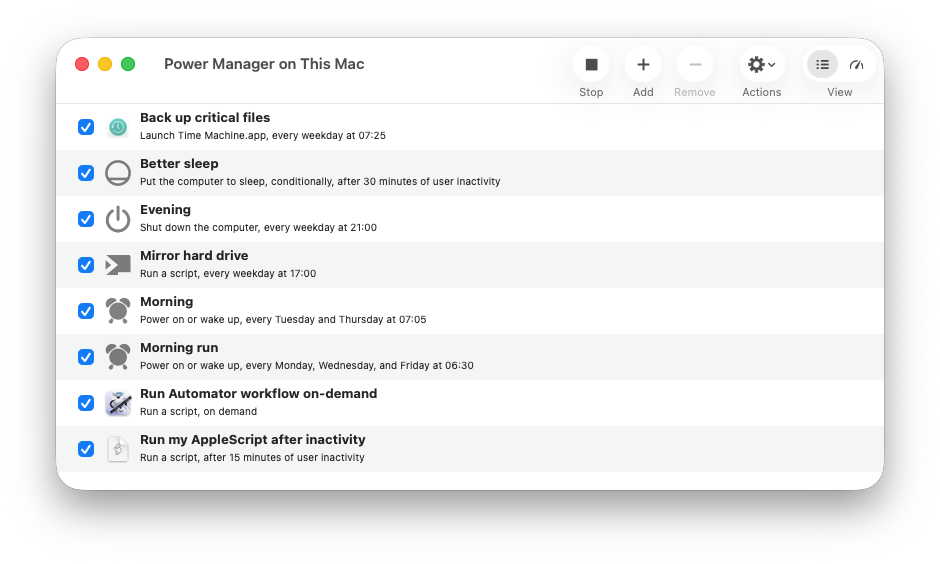
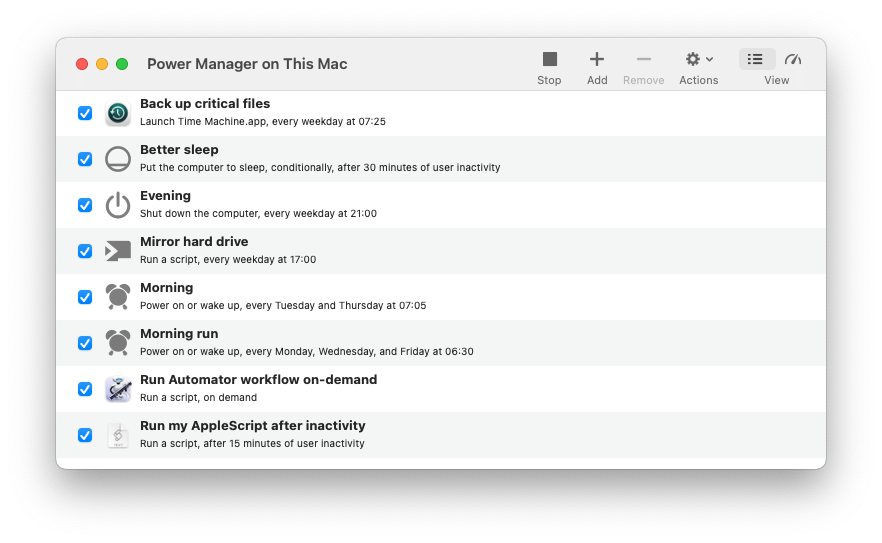
This update includes minor changes to the user interface to accommodate macOS 26’s design language. The interface changes are deliberately limited. Power Manager continues to support a range of macOS versions with differing appearances.
The screen shot below shows Power Manager 5.12 on macOS 26:
The screenshot below shows the older Power Manager 5.11 on macOS:
Power Manager 5.12 introduces optional trigger fields to provide non-administrator users the ability to cancel or postpone notifying triggers. These fields are similar to an administrator’s ability to adjust or cancel any pending trigger. See notifying in the user guide to learn more.
This update fixes bugs to improve reliability and continues our work on modernising Power Manager.
A detailed version history of Power Manager is available.
Updating Power Manager
Power Manager will automatically check for updates every so often, so there is nothing to do. The update will automatically be offered to you during the next few weeks.
If you want to update to the latest Power Manager now, use the Check for Updates menu item in the Power Manager menu. In case of problems, please follow the manual update steps.